What can be batched, and what cannot
A sitting drifts: a third of a stop as the photographer moves, a few units of cast as a cloud crosses a window. That drift is measurable against the set’s own middle, and closing it is genuinely safer across a folder than one file at a time. So the folder surface matches exposure and white balance to the set’s median, evens tone lightly, clears only the blemishes its timid test is sure of, and fixes red-eye where the face finder has located the eyes.
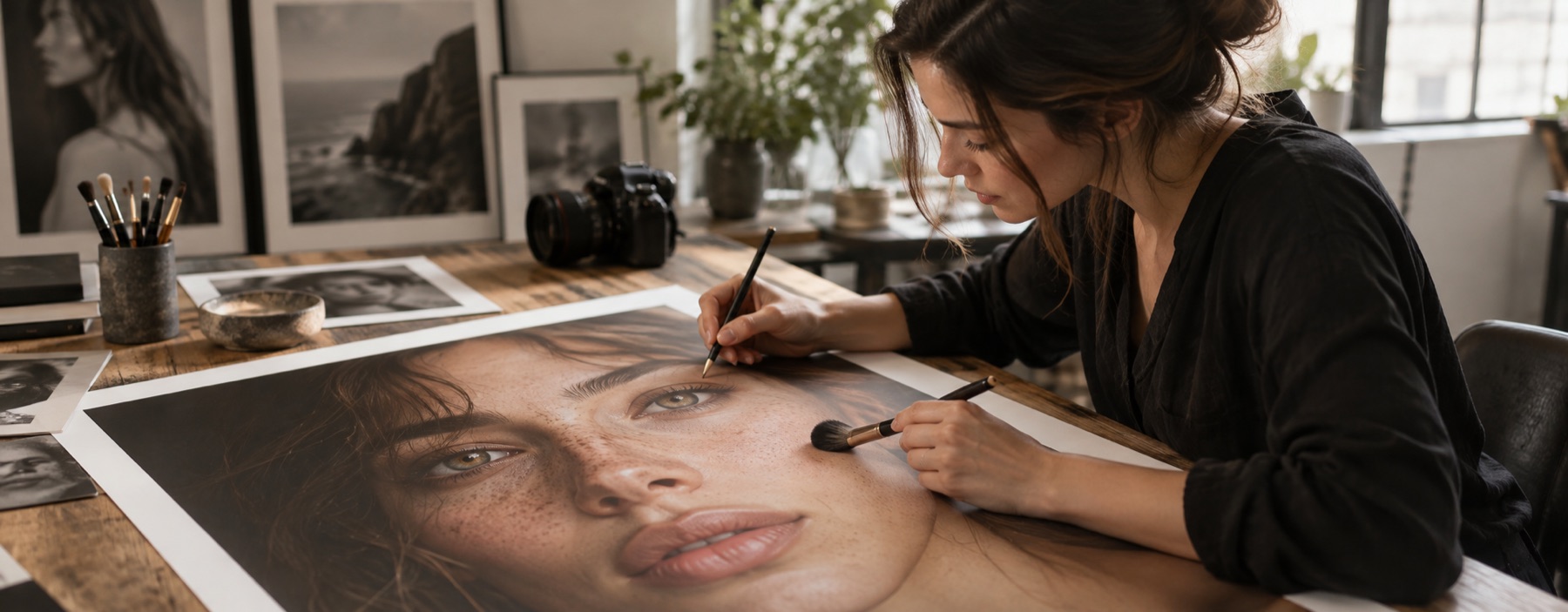
It never batches strokes. Retouching is a sequence of judgements about one person, and a slider cannot make them thirty times without being wrong on somebody’s face with no one there to see it. Frames you want to work on by hand go to the desk from the review grid.
The review gate
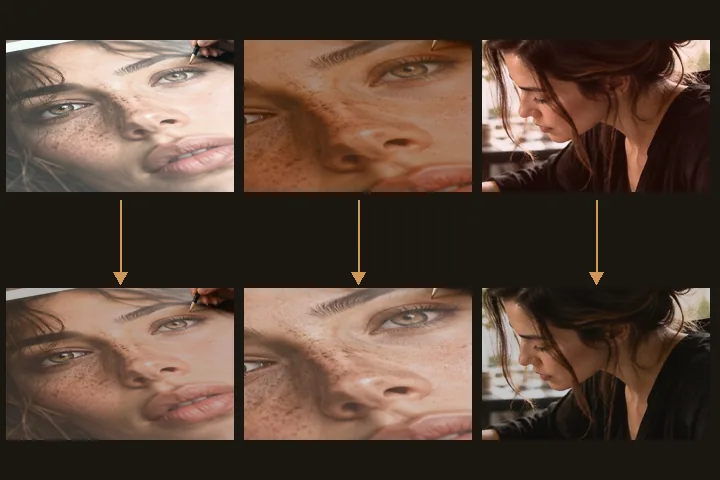
After a run, every changed frame is shown before and after, and every frame left alone is listed in its own column with the measurement that refused it. The summary reads like “28 matched · 2 left alone · red-eye fixed in 4 · 0 failed”. Download ZIP is under the grid, after you have looked. A declined frame goes into the archive as the bytes you dropped, under its own name.
- Match exposure
- to the set median; declines past 1.25 stops
- Match white balance
- to the set median; declines past 18 Cb/Cr units
- Per file
- even tone · clear sure spots · fix red-eye
- Face finder
- off unless you agree to the 224 KB download
- Output
- JPG 0.95 or PNG, local ZIP
What it will not do
- It does not retouch skin in bulk. Texture removal is fixed at zero on the folder surface.
- It will not drag an outlier into the set. A frame further than the drift limits is left exactly as it arrived.
- It works one file at a time. Very large folders take a while; nothing is sent anywhere to make it faster.
What people ask
Why were two photos left alone?
Is anything written before I press match?
Can I retouch some frames by hand?
Are my photos uploaded?
Read next
- Retouch wedding photosSet matching across the sitting, then the frames you choose go to the desk one at a time.
- The retoucherEvery layer at zero, and a face finder that will place the working region for you.
- Skin smoothingOpens with the skin layer at 25 per cent, which leaves three-quarters of the texture.
- How far is too farWhere the caps sit, why they are there, and what the distance readout is measuring.
- Why nothing here reshapes a faceThe one exclusion that is a decision rather than a boundary, and the reasoning behind it.