Light in stops, not toward white
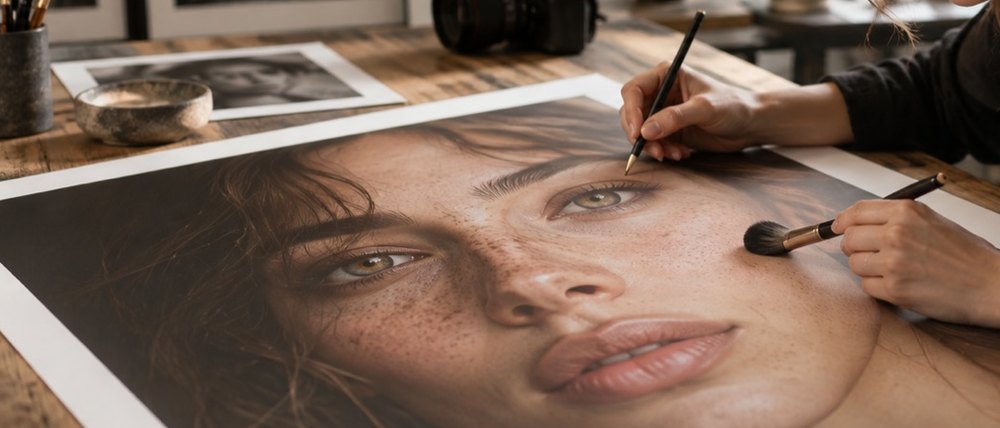
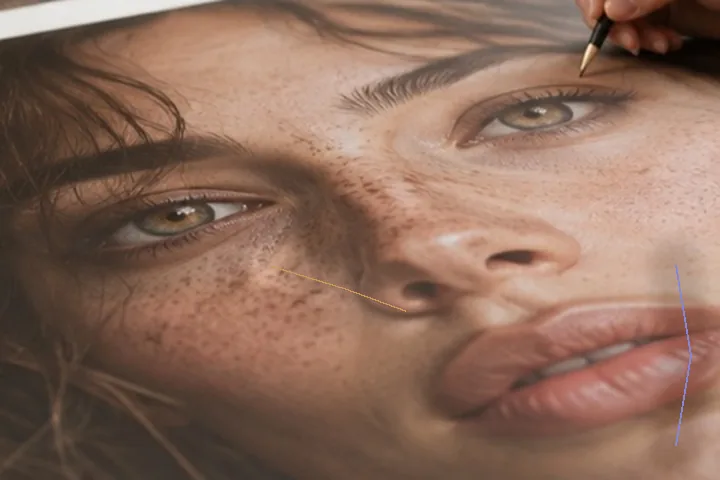
A dodge that pushes pixels toward white flattens them: the pores on a lifted cheek disappear into a patch. These brushes apply a gain in stops instead, so the texture scales with the tone it sits on and stays visible. Near the top of the range the lift rolls off rather than clipping. Burn is the same gain downward.
Choose the tonal range the stroke is weighted to — shadows, midtones or highlights — and work at a low flow, in several strokes. Each stroke is a row in the ledger: switch one off to see the picture without it, or strike it out without undoing the rest.
- Gain
- up to 0.45 stop per full-flow pass
- Ranges
- shadows · midtones · highlights
- Top of range
- soft roll-off, never clipped
- Colour
- held
- Keys
- O dodge · N burn · [ ] size
What this mode runs on
What it will not do
- It does not relight a photograph. Local lift and depth only; the direction of the light is the camera’s.
- It is not contouring makeup. It deepens and lifts tone; it does not paint colour or reshape.
- It cannot rescue clipped areas. Pure white or pure black has no detail to scale.
What people ask
Why does a dodged area keep its texture?
Because the brush multiplies luminance by a gain in stops rather than mixing toward white, so the pore band is scaled along with the tone under it.
Does dodge or burn change colour?
No. Both move luminance only and write the colour back as it was read; the chroma harness tests both on every build.
How do I undo one stroke from the middle?
Strike it out in the ledger. The strokes after it stay exactly as they are.
Is my photo uploaded?
No. The brushes run in this tab.
Read next
- Lighten under-eye shadowLifts the shadow under each eye a third of the way to the cheek, luminance only, texture kept.
- Reduce shineBrings a hot spot down toward the skin around it and leaves the light that models the face.
- What frequency separation isThe split, the radius, and why a blur destroys the band that makes skin look like skin.
- How far is too farWhere the caps sit, why they are there, and what the distance readout is measuring.
- Why nothing here reshapes a faceThe one exclusion that is a decision rather than a boundary, and the reasoning behind it.