What the rules say
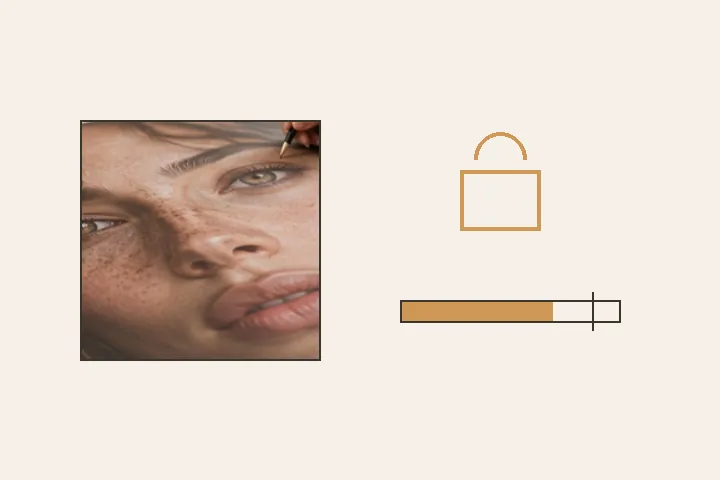
US visa guidance is explicit: photos must not be digitally enhanced or altered to change your appearance in any way, and you cannot use a photo editing tool to remove red-eye. Indian passport guidance from missions says red-eye photos are not allowed and asks for ICAO-compliant photographs: a plain light background, a neutral expression, the face filling most of the frame. So every appearance layer on this desk is locked here, and each lock shows the reason.
Exam and recruitment forms are a different kind of rule: a file limit. A UPSC online application, for example, has been summarised as a JPG between 20 and 200 KB — that figure is from a secondary summary, so confirm it on the official portal. Those limits are about the file, and the file is what this page fits.
Fit a limit
Set the most and, if the form gives one, the least number of kilobytes, and optionally a pixel box. The export is a JPG at the largest size inside the box that keeps the picture’s shape — never stretched, never padded — at the highest quality that fits, and the result is printed: “143 KB, 600 × 800, quality 0.82”. If the ceiling cannot be met at that pixel size, nothing is written and the smallest reachable size is stated. If the floor cannot be met, the file is written and flagged plainly.
- Appearance
- locked: skin, spots, eyes, teeth, red-eye, light
- Red-eye
- checked; a retake is recommended
- Output
- JPG under a KB ceiling, over an optional floor
- Pixel box
- optional; shape kept, never padded
- Not done here
- cropping to a passport size, changing the background
What it will not do
- It does not crop to a passport size or change the background. Those are different jobs; this page does neither.
- It never says accepted or compliant. Only the office that receives the photo decides; the checklist is yours.
- It cannot make an unsuitable photo suitable. A red-eye photo, a busy background or dark glasses need a retake.
What people ask
Can I retouch my passport photo?
What size should my exam photo be?
My photo has red-eye. Can I fix it here?
What if the file comes out under the minimum?
Is my photo uploaded?
Read next
- Retouching ID and document photosKnow which corrections risk invalidating an identification, passport or evidence photograph.
- Flash red-eyeLooks for red pupils as soon as a picture opens, in the eyes it found, and asks first.
- Retouch a headshotSkin prepared at 15, eyes at 10, light to hand, and a square frame centred on the face to save.
- How far is too farWhere the caps sit, why they are there, and what the distance readout is measuring.
- Why nothing here reshapes a faceThe one exclusion that is a decision rather than a boundary, and the reasoning behind it.