
Retouching a wedding set: what to batch and what not to
A wedding gives you hundreds of frames shot across a day of changing light. Some fixes belong to the whole set and can be done in one pass. Others belong to one person's face and should never be done by a slider thirty times over. Here is the line, and how the folder tools on this site draw it.
Open a wedding folder in order and the drift is obvious. The getting-ready frames are warm from window light and tungsten, the ceremony is cooler and darker, the outdoor portraits are bright, and the reception swings with every light the venue owns. Each frame may be fine on its own; side by side in an album they do not belong together.
What belongs to the whole set
Exposure and white balance are properties of the light, not of anybody’s face. They can be measured across the set and every frame nudged toward the set’s own middle. That is what the folder surface does first: it measures every file and writes nothing, then shows you what each frame would change before it changes anything.
- Match exposure
- toward the set's median brightness; a frame more than 1.25 stops away is left alone
- Match white balance
- toward the set's median colour; more than 18 units away is left alone
- Red-eye
- fixed only where the face finder found the eyes; otherwise reported, not corrected
Red-eye is the one face fix that can be batched, because it is a flash artefact rather than a matter of taste: a pupil is red or it is not. Even so, over a whole frame the colour test is only safe when a person checks each ring, so in a folder it corrects only inside eyes the face finder located.
What belongs to one face
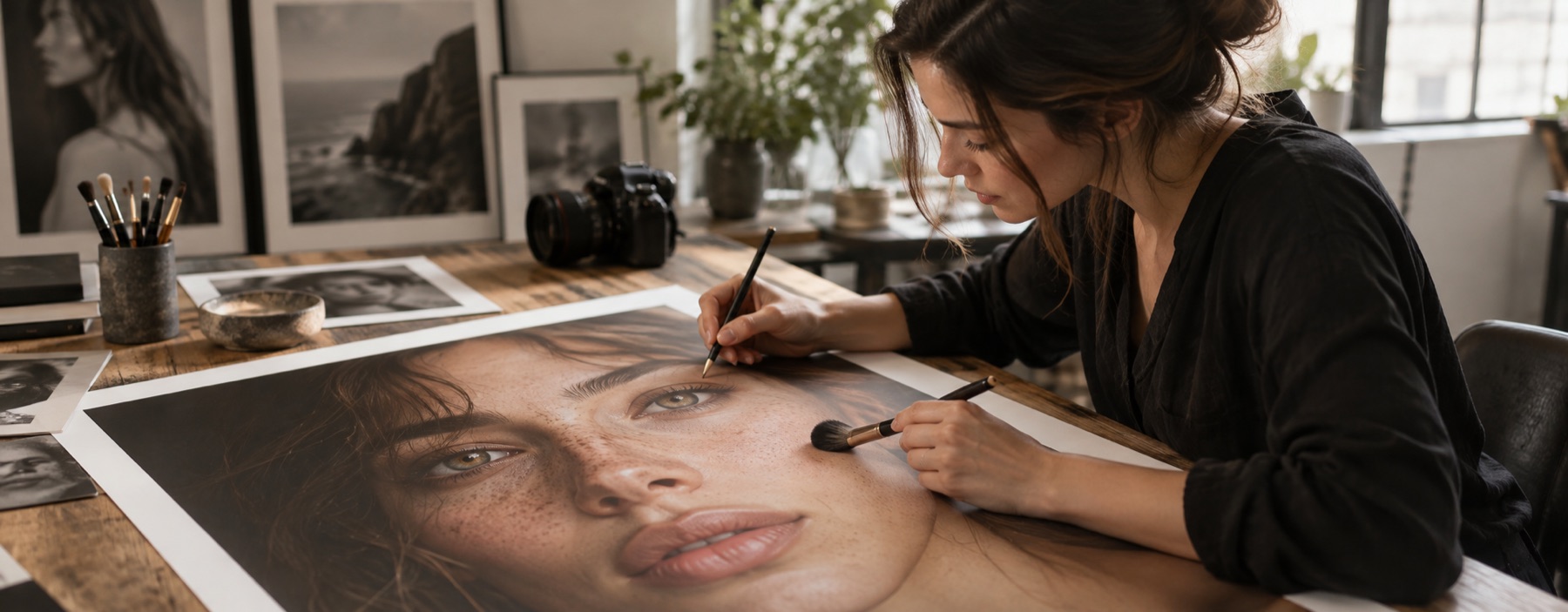
Skin smoothing, spot healing, under-eye lightening, teeth: these are decisions about a person. A slider applied to thirty frames at once will be right on some faces and wrong on others, and nobody is watching when it is wrong. So the folder pass never lays a stroke and never removes texture. The most it does to skin is even the tone a little, capped at 30 per cent, and it declines on a noisy frame where grain and pores look the same.
The frames that deserve face work go to the desk one at a time. Pick them in the review grid, and each opens in the full retoucher with the layer values carried over from the last one — strokes are not, because a stroke belongs to the picture it was laid on. A saved stack does the same job across sessions: save the values once, apply them to the next portrait in one step, and undo it if that face needs something different.
The column that says no
Every row a pass declined says why, with the number that decided it: two stops from the set, white balance 22 units off, too noisy to clear spots. Those frames go into the ZIP exactly as they came in. A batch tool that silently forces every frame to match is how a candle-lit first dance ends up looking like a car park at noon.
Read next
- Retouch wedding photosSet matching across the sitting, then the frames you choose go to the desk one at a time.
- Retouch a batchMeasure a folder first, match it to its own median, review every frame, then take the ZIP.
- Retouch a headshotSkin prepared at 15, eyes at 10, light to hand, and a square frame centred on the face to save.
- How far is too farWhere the caps sit, why they are there, and what the distance readout is measuring.