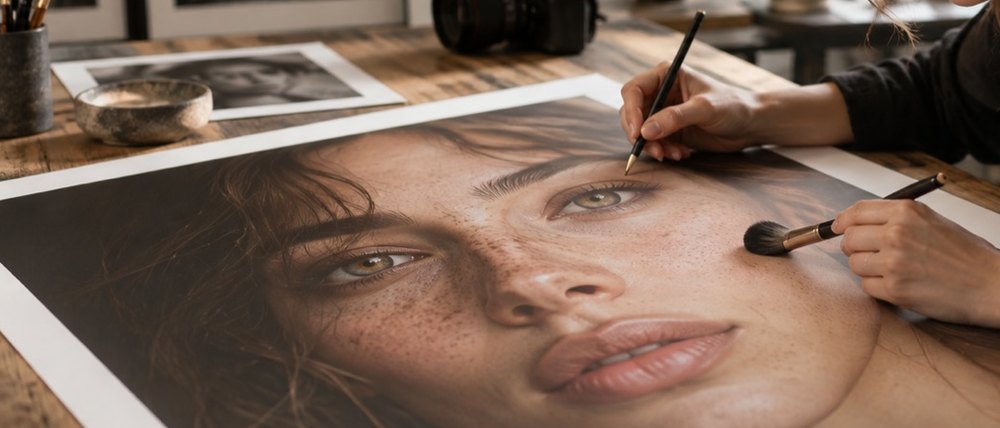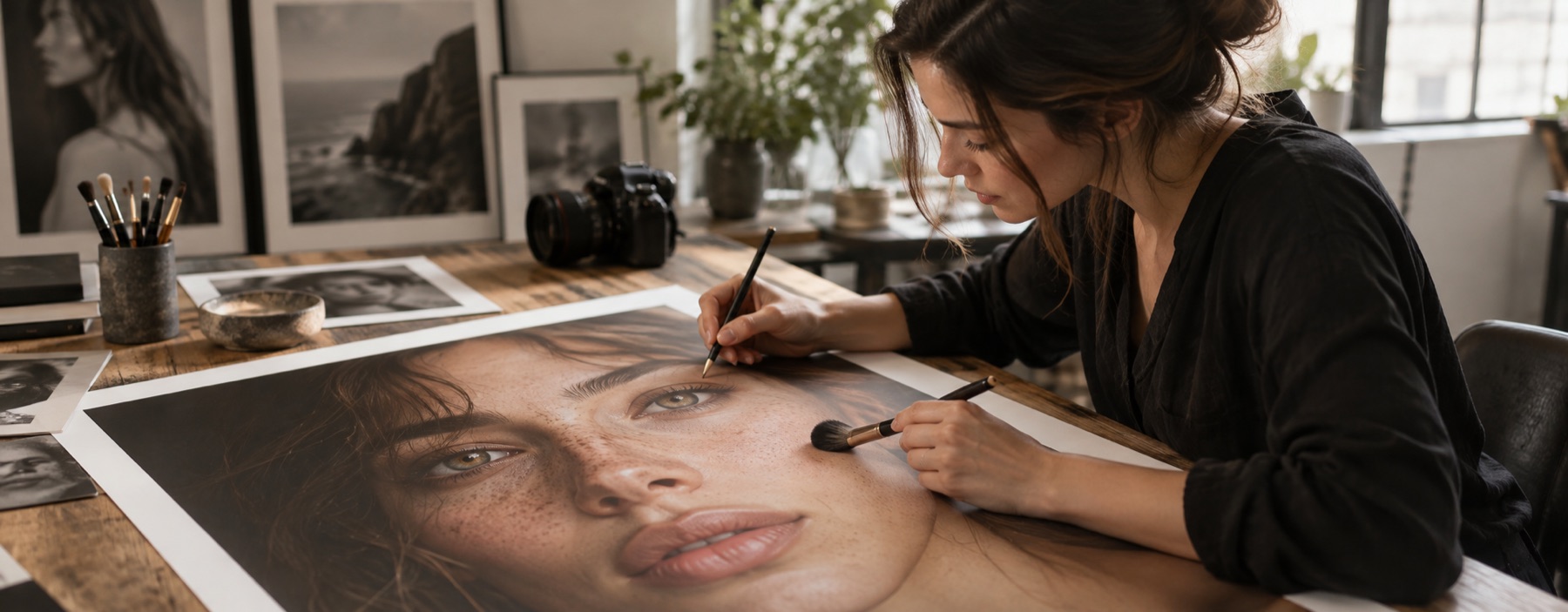
A headshot is a likeness first
A profile photo is the picture people will compare with you on a video call. The values here are prepared low for that reason: skin at 15 per cent, which leaves most of the pore band, and eyes at 10. Neither layer is on when the photo opens — turn on what the picture needs and nothing else.
The Light group fixes the two things that most often let a phone headshot down: it is a third of a stop dark, or the white balance from an office ceiling has turned it green. Exposure moves luminance only, up to one stop either way; temperature and tint move colour, by at most eight units of Cb/Cr.
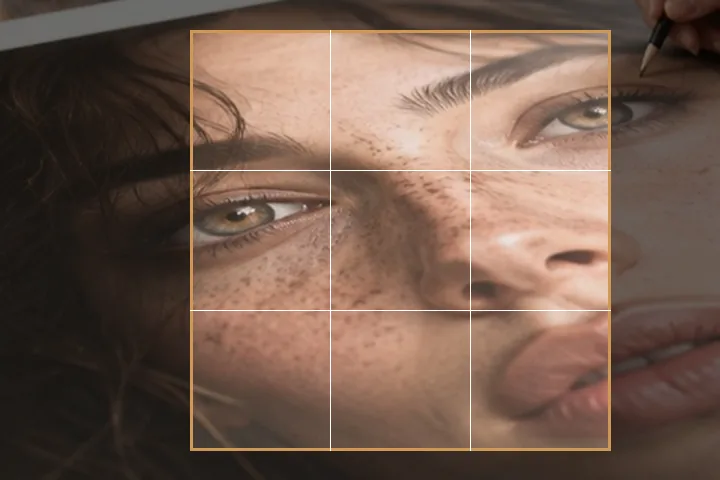
The square frame
Most profile slots crop to a square or a circle. With square framing on, the export takes a 1:1 crop centred on the face region, sized so the face fills about half the frame across, and writes it at 512, 800 or 1024 pixels, or a size you type. Move it across or down in the Save panel. The frame never pads: it stays inside the picture.
We do not list sizes for particular platforms; they change, and a square at 800 or 1024 pixels is accepted almost everywhere. Check the site you are uploading to if it states a size.
- Skin
- prepared at 15%, off on open
- Eyes
- prepared at 10%, off on open
- Exposure
- ±1 stop, luminance only
- White balance
- ≤ 8 Cb/Cr units
- Square
- 512 · 800 · 1024 · custom, centred on the face
What it will not do
- It will not make a headshot look like someone else. No reshaping, no makeup, no age or beauty filters.
- It does not replace the background. This desk works on the face and the light, not on what is behind it.
- It is not a passport photo tool. Document rules forbid retouching; the passport and ID page explains what is allowed.
What people ask
What size should a profile photo be?
Why is the skin layer off when the photo opens?
Can I move the square frame?
Is the photo uploaded?
Can I use this for a passport photo?
Read next
- Passport and ID photosAppearance locked with the reasons shown, a red-eye check, and a JPG fitted to a form's KB limit.
- Retouching a headshot without changing the personUse local, reversible portrait corrections while preserving texture, shape and identity.
- Face editorEvery layer for one face in one panel, with the values beside them. Nothing reshapes a face.
- How far is too farWhere the caps sit, why they are there, and what the distance readout is measuring.
- Why nothing here reshapes a faceThe one exclusion that is a decision rather than a boundary, and the reasoning behind it.