The set first, the faces second
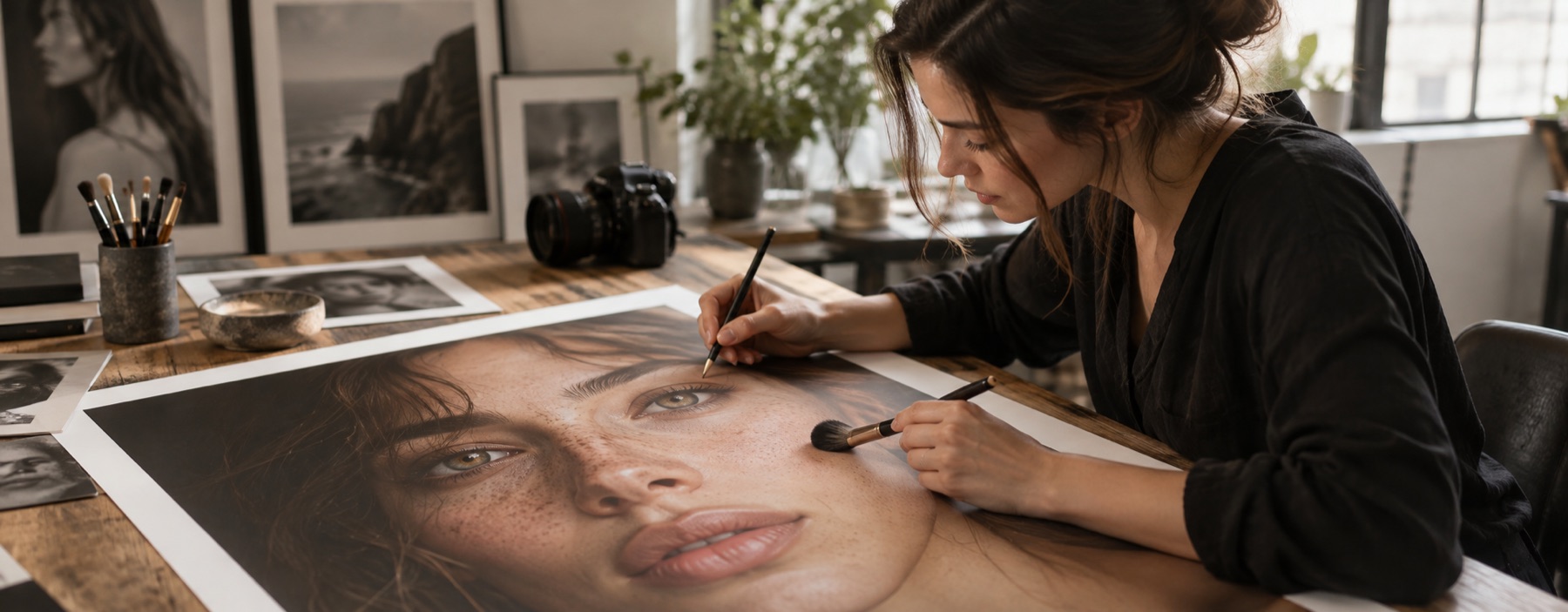
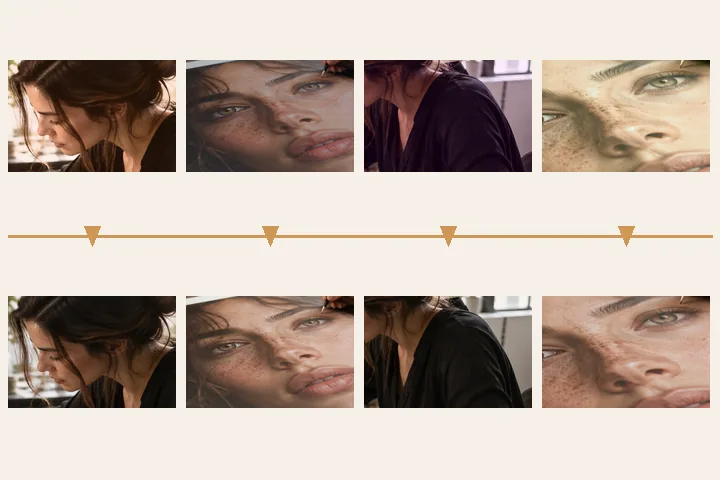
Wedding frames come in sittings — the portraits on the steps, the family groups, the reception under tungsten. Within a sitting the camera drifts, and the first job is to make thirty frames look like one afternoon. This page opens the folder surface with exposure and white-balance matching on and the per-face passes off, because at a wedding every face deserves a person’s judgement.
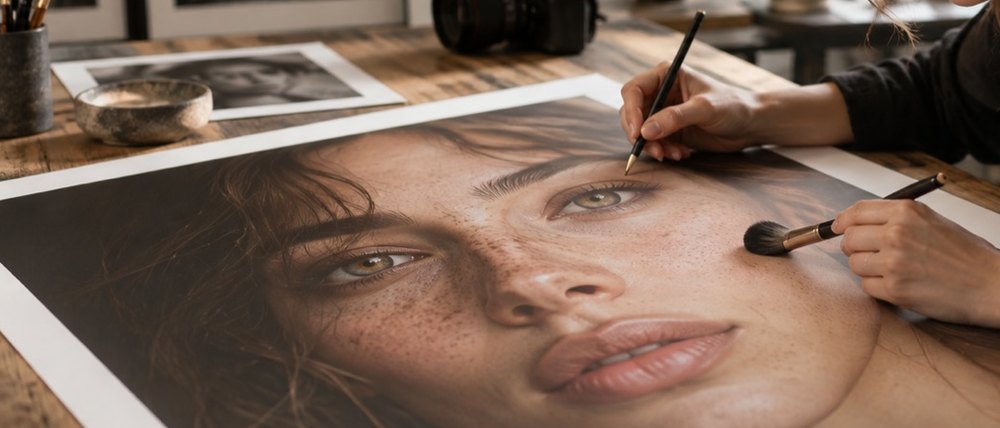
Then choose the frames that need hands. Retouch these by hand opens each on the desk in turn; Next portrait carries the skin, light and eye values you settled on to the next frame — never the strokes — and the exports collect into one ZIP at the end.
- Set passes
- exposure · white balance, to the median
- Per-face passes
- off — done by hand
- Drift limits
- 1.25 stops · 18 Cb/Cr units
- Hand queue
- Next portrait carries layer values
- Output
- JPG or PNG, local ZIP
What this mode runs on
What it will not do
- Nothing here lightens skin. That is a measured property of the tool, not a promise: every tonal layer is luminance only.
- It will not match frames from different light. A tungsten frame in a daylight set is declined, with the number.
- It does not batch faces. Skin, spots and eyes are done on the desk, one person at a time.
What people ask
Why are the per-face passes off here?
Because a wedding set is many different people, and a slider applied to all of them is wrong on somebody. Match the set, then retouch faces by hand.
What does Next portrait carry?
The skin layer, Light group, eye amount and eye detail values from the frame you just finished. Strokes are never carried.
Can I get all the hand-retouched frames at once?
Yes. Every export in the hand queue is collected; the ZIP button in the top bar writes them as one archive.
Are the photos uploaded?
No. Measuring, matching, retouching and zipping all happen in this tab.
Read next
- Retouch a batchMeasure a folder first, match it to its own median, review every frame, then take the ZIP.
- Retouch a group photoOne numbered region per face, a skin layer for each, and the settings copied across on request.
- Retouch a headshotSkin prepared at 15, eyes at 10, light to hand, and a square frame centred on the face to save.
- How far is too farWhere the caps sit, why they are there, and what the distance readout is measuring.
- Why nothing here reshapes a faceThe one exclusion that is a decision rather than a boundary, and the reasoning behind it.