Light, not painted colour
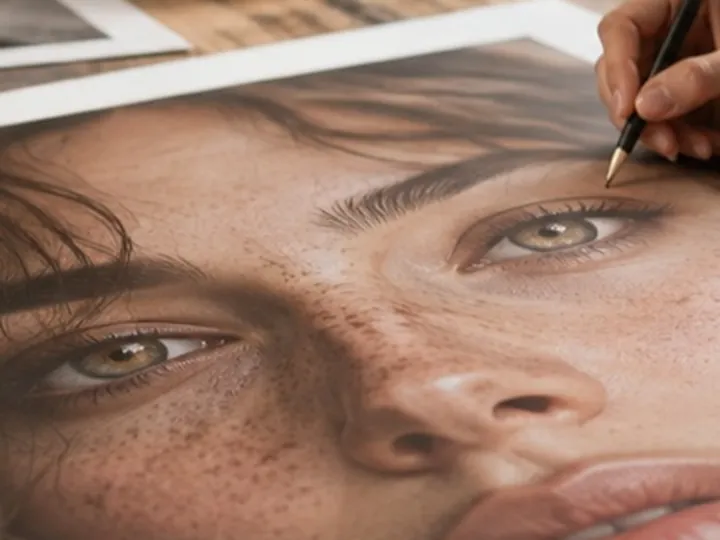
The pass changes luminance and retains each pixel’s existing chroma. That keeps a brown iris brown and a blue iris blue while opening its darker values gently. The soft circle is deliberately small, because lifting eyelids and surrounding skin makes an eye look pasted on long before the slider reaches its cap.
It is a layer in the same stack as everything else here, which is what makes the site claim true of this route as well: the marks are normalised, the pass runs in the worker rather than on the page’s own thread, and the export replays the identical operation stack over every pixel of the original.
A restrained sequence
- Amount
- 20–35%
- Marks
- One short press per iris or eye white
- Catchlight
- Left as recorded
- Check
- Hold the compare control before saving
Selective eye pass
Limits
- This is not an eye-colour replacement and does not invent catchlights.
- A blurred or closed eye does not gain detail when it is brightened.
- Mark the iris and visible white, not the whole socket; the tool cannot identify an eyelid from a mark alone.
- The working region bounds this layer. A mark outside it does nothing, which is the honest behaviour rather than a silent one.
Continue in the portrait room
- Lighten under-eye shadowLifts the shadow under each eye a third of the way to the cheek, luminance only, texture kept.
- Whiten teethA local painted pass gated to brighter, quieter colour so lips and mouth shadow resist it.
- Flash red-eyeLooks for red pupils as soon as a picture opens, in the eyes it found, and asks first.
- How far is too farWhere the caps sit, why they are there, and what the distance readout is measuring.
- Why nothing here reshapes a faceThe one exclusion that is a decision rather than a boundary, and the reasoning behind it.