Tone is not texture
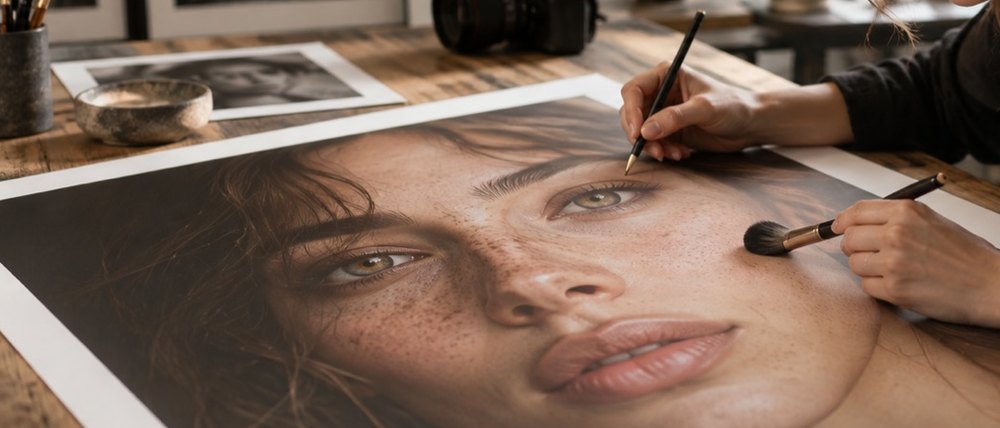
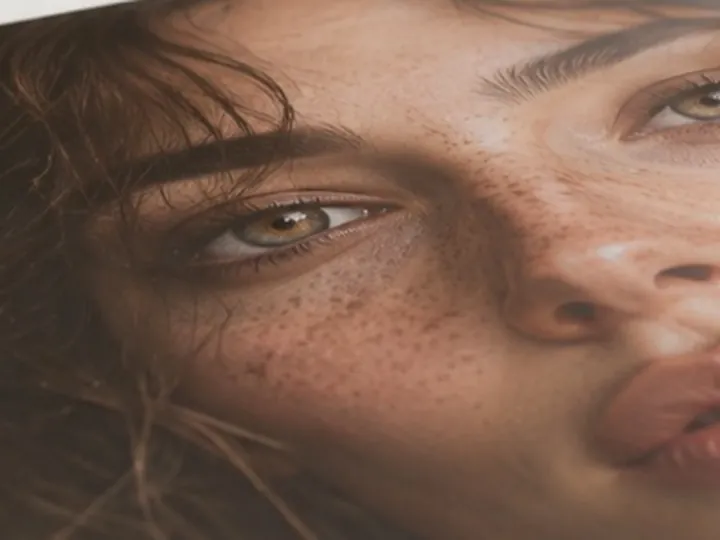
The skin layer splits a face into two bands. The high band is pores and fine grain; the low band is the tone underneath — redness across a cheek, a patch that photographed darker. This page opens with the high band left completely alone and only the low band evened, at 30 per cent. The pore-texture-retained figure stays at or near 100 per cent, and that is the point.
Evening is done at a fraction of the slider — 45 per cent of it — on the low band only, so even at the top of the range the face keeps the variation that makes it look alive rather than painted.
- Texture removed
- 0% on open
- Tone evened
- prepared at 30%
- Applied as
- 45% of the slider, low band only
- Gate
- the face's own median Cb/Cr, tolerance 20
- Colour
- held
What this mode runs on
What it will not do
- It does not lighten or darken skin. It evens luminance variation; the colour of every pixel is written back as read.
- It is not a treatment. It changes a photograph, not skin; nothing here makes a medical claim.
- It cannot separate a birthmark from a blotch. If a mark should stay, keep it outside the region or lower the value.
What people ask
Why is texture removal at zero here?
Because evening tone and removing texture are different jobs, and this page is for the first. Raise texture on the skin page if you want both.
Will it make my skin lighter?
No. The layer moves luminance only and is clamped so no channel clips; the chroma harness measures hue and chroma drift on nine synthetic tones on every build.
It is evening the background too.
Press Show what it calls skin. Pull the region in, or narrow the tolerance, until the tint stops at the face.
Is my photo uploaded?
No. The layer runs in this tab.
Read next
- Skin smoothingOpens with the skin layer at 25 per cent, which leaves three-quarters of the texture.
- Reduce shineBrings a hot spot down toward the skin around it and leaves the light that models the face.
- Skin-tone testEvery layer measured for hue and chroma drift across nine synthetic skin tones, failures included.
- How far is too farWhere the caps sit, why they are there, and what the distance readout is measuring.
- Why nothing here reshapes a faceThe one exclusion that is a decision rather than a boundary, and the reasoning behind it.